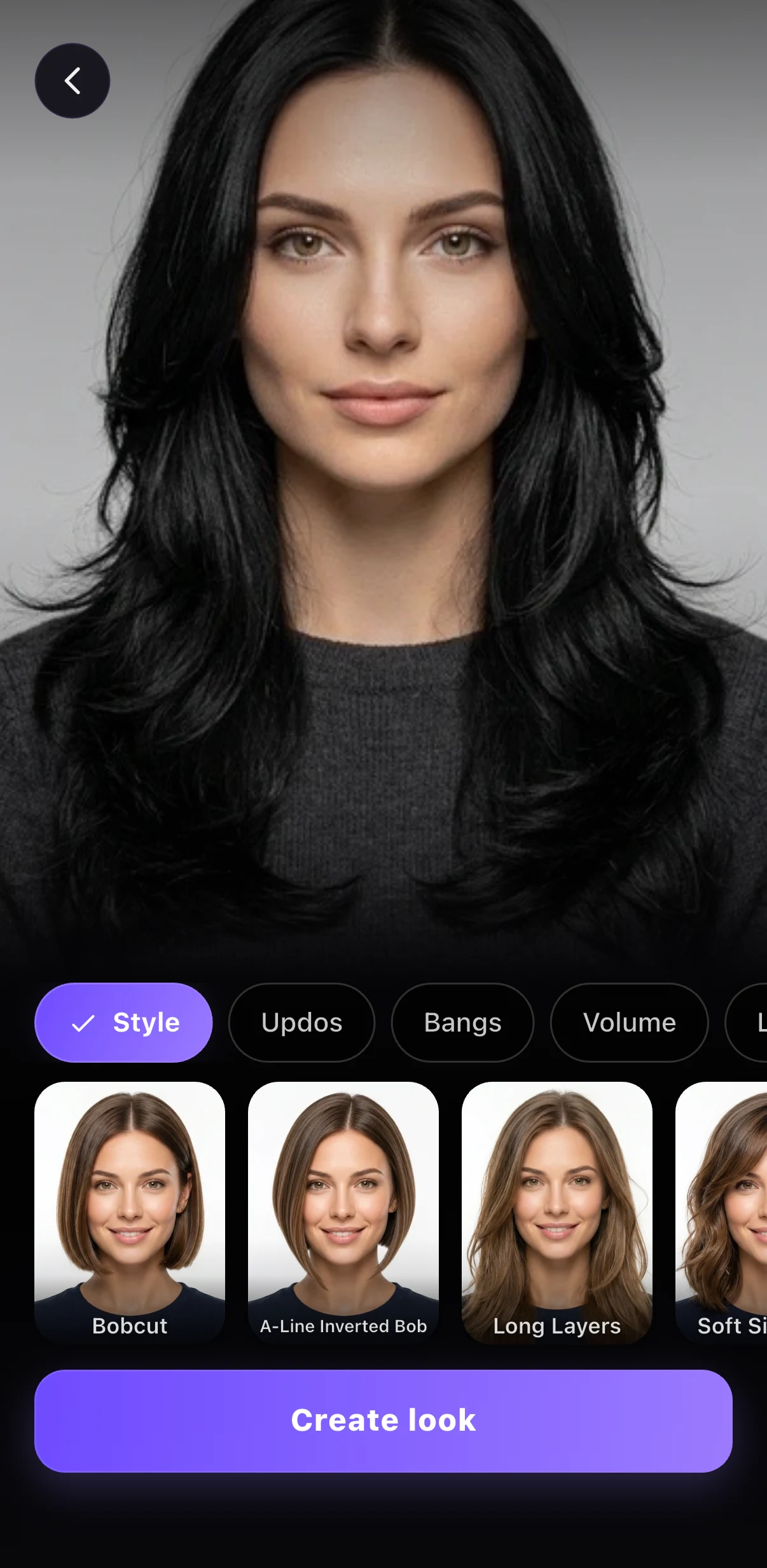
Try the idea.
See it on you.
A shorter cut or a new shade? Explore it on your own photo before your next salon conversation.


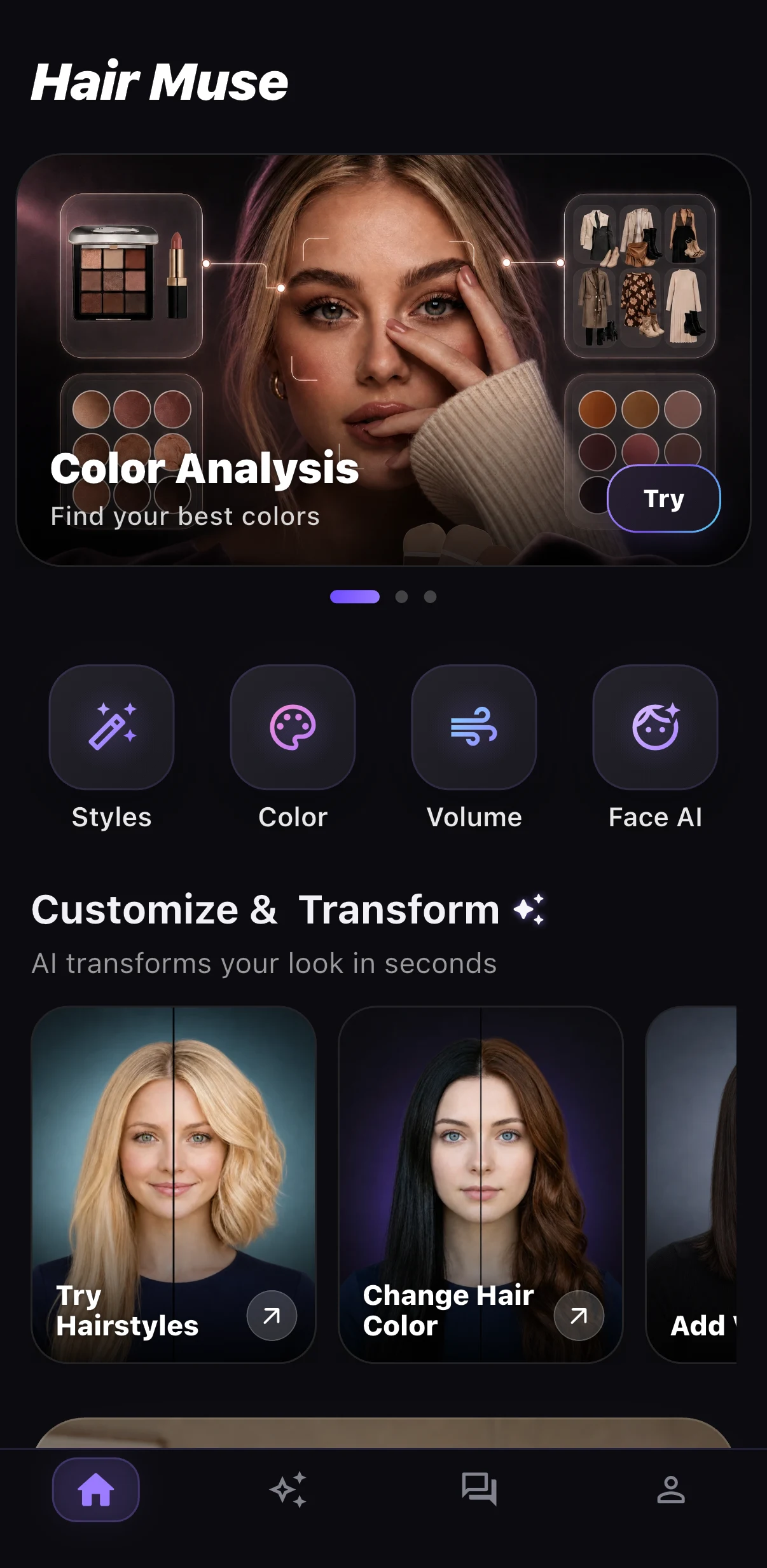
Keep the experiment
simple.
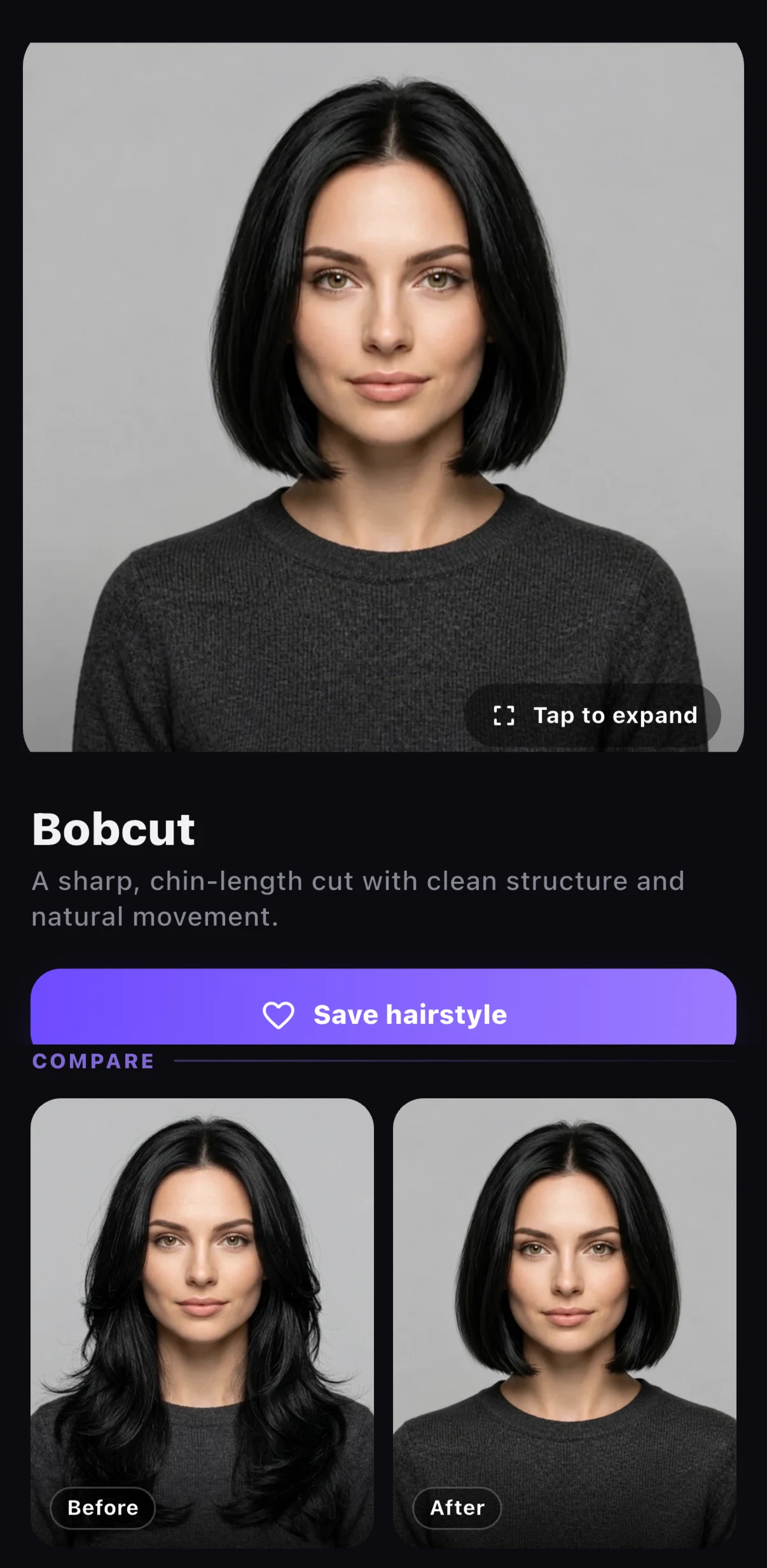
Pick one detail to compare, then save the version you want to discuss with your stylist.
Choose one source photo.
Use clear, even light and a visible face. Keep the same photo for the options you compare. A consistent starting point makes differences in the hair easier to judge.
Use the photo checklistCompare the actual question.
Try a shorter outline before changing the shade. Compare a fringe with long face framing while keeping the rest familiar. Notice the feature you like instead of judging only the overall excitement of a new image.
Read the comparison chapterTranslate the image.
Bring your preferred outline, dry-length boundary and normal routine to a stylist. Ask what can be translated, what needs adapting and which part of the picture depends on styling.
Create a salon briefShow the detail
you want to keep.
Pick a preview that shows the detail you like, such as a blunt edge, an open front or softer volume at the sides. Bring a photo of your current hair in your usual finish so your stylist can see how it falls today.
Make one request you can point to. For example, “I like where these ends sit, and I want the front long enough to tuck behind my ears.”
CutChapter does not generate or store your photo. Review Hair Muse’s privacy information before uploading a photo in the app.